

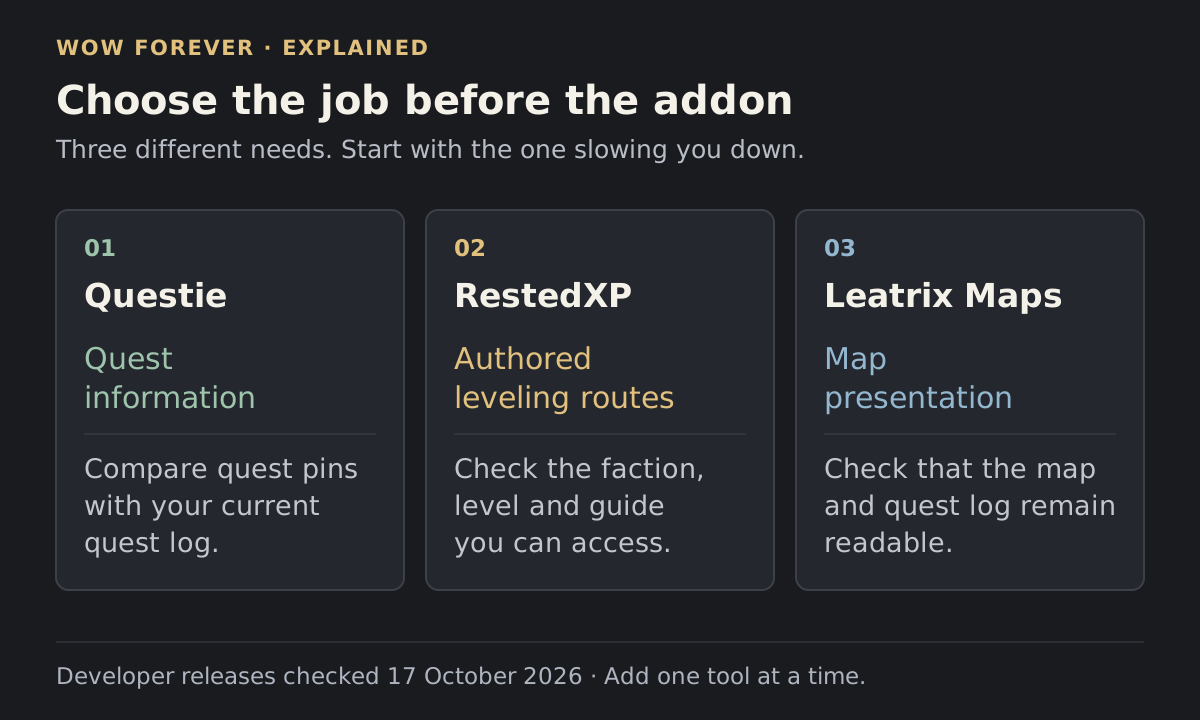
Start with the part of leveling that is slowing you down. Quest information, a planned route and a clearer interface call for different tools. Installing every WoW Forever addon at once makes it harder to work out which one changed your map, tracker or quest interactions.
The selections below use developer releases checked on 17 October 2026. Choose the Forever download for each project.
Pick an addon for a specific job
| What you want | Start with | First thing to check |
|---|---|---|
| Help finding quests and objectives | Questie | Quest pins agree with your current quest log |
| An authored sequence of leveling steps | RestedXP | The selected guide covers Forever and your level |
| Optional interface and interaction conveniences | Leatrix Plus | Each enabled option solves a problem you have |
| A different world-map presentation | Leatrix Maps | The map and quest log still open as expected |
| A custom information display | ForeverAuras | The display behaves correctly during combat |
Add one tool at a time and check for overlapping features before expanding the setup. For wider planning, read the Forever leveling overview before choosing a route addon.
Questie for quest information
Questie's official release history lists 12.1.0 with QuestieDB 1.0.6, released October 12, with explicit Forever changes. It is the relevant starting point for players who want quest information while choosing their own path.
Use it to answer a local question: where does this quest begin, and where should I look for its objectives? Continue reading the actual quest text. A map pin is useful guidance when deciding what to do next; it should not be the sole reason to abandon a quest that appears absent or unavailable.
RestedXP for a sequence of steps
RestedXP suits a player who wants an authored route to follow. Its October 9 Forever update says the 1–35 guides are finished, with further work continuing.
Before following a route, check your faction, starting position and guide level. If you have already completed part of a zone, compare the next instruction with your quest log before travelling. Repeating a finished chain or chasing a prerequisite you skipped can make an otherwise useful guide frustrating.
Leatrix Plus for selected conveniences
The Forever file for Leatrix Plus is 1.60.20-forever. Open the addon with /ltp. The author describes its options as modular and disabled by default.
Enable a small selection first. Automatic vendor or quest interactions deserve a deliberate choice, particularly if you want to read conversations or inspect what you sell. Let one addon handle each automated interaction so you can identify the responsible setting later.
Leatrix Maps for map presentation
Leatrix Maps opens with /ltm. Its checked Forever release is 1.60.23. The latest fix addresses the M key opening the map without the quest log; the preceding update adds a quest search box to the simple map frame.
Compare the layout before changing several options. Check that labels, pins and the quest log remain readable at your normal window size. If your goal is finding a quest rather than changing the map's appearance, begin with quest information instead.
ForeverAuras for a display you can define
ForeverAuras is a beta information-display framework made for Forever. Open it with /fa or /foreverauras. Its checked release is 0.90.25.
Add one display for information you keep overlooking. Confirm its position, load conditions and behavior both during and outside combat before importing a larger collection. A large pack is difficult to judge if you do not know what its individual displays are meant to show.
Build the setup in an order you can check
Install your quest tool first, then play through a pickup, objective and hand-in. Add map changes next. Leave broader visual changes until the basic quest display is readable.
Keep a short note of the options you enable. When the interface changes unexpectedly, that note gives you somewhere precise to start. Stop adding tools when the setup answers your needs.
 Enlarge
Install and check your setup
Once you have chosen a tool, follow our Forever addon installation guide. For product-specific help, see Questie setup and missing pins or RestedXP coverage and access. If your configuration resets after restarting, use our addon settings troubleshooting guide.